Skip to content

ChatGPT speed booster

ChatGPT Speed Booster: Stop long-chat lag

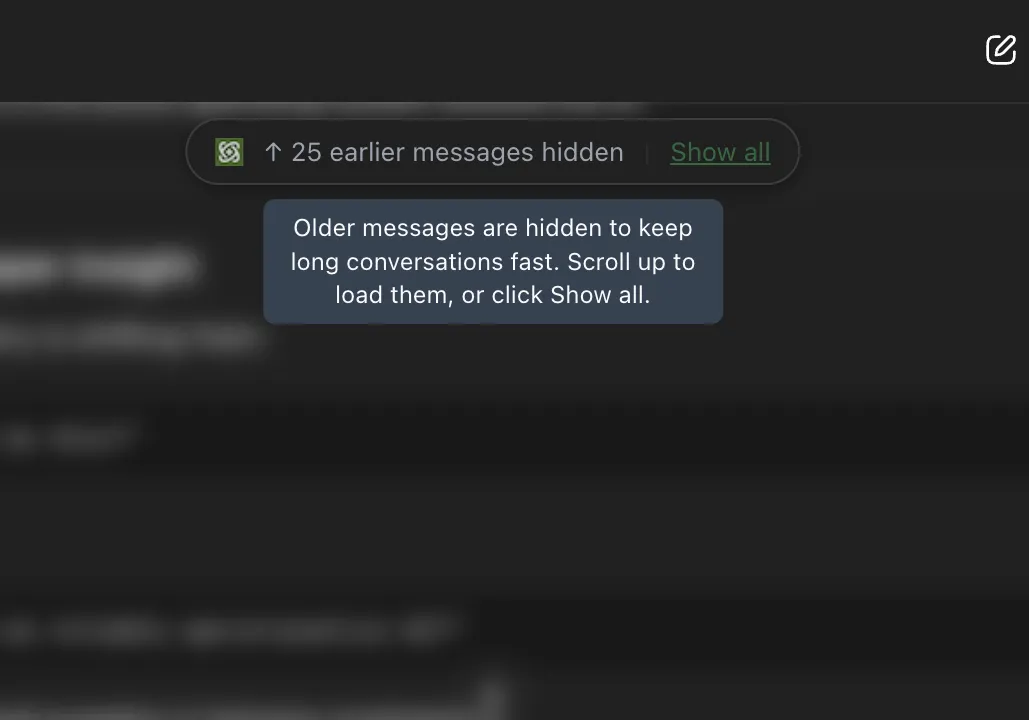
Speed Booster keeps ChatGPT responsive once a conversation gets long enough to start lagging. GPT Master renders only the messages near your viewport, so scrolling, typing, and tab switching keep working in threads that would otherwise stutter.

4,000+ users · 4.8★ on the Chrome Web Store · Free to install

Updated

GPT Master Speed Booster comparison showing smooth scrolling in a long ChatGPT conversation versus the native lag

Side by side: vanilla ChatGPT stutters on a long thread (left); the same thread scrolls cleanly with Speed Booster's windowed rendering (right).

Quick answer

Long ChatGPT conversations slow down because the browser keeps every message in the page at once. Past roughly fifty messages, scrolling stutters and the composer lags as the DOM grows. Speed Booster solves this by only keeping the messages near your viewport rendered: the rest are swapped out and restored as you scroll. ChatGPT continues to behave normally, just without the lag, so long synthesis or coding threads stay fast instead of becoming the reason you start a fresh chat.

Native friction

Why long ChatGPT conversations slow down

  • ChatGPT keeps every message in a long conversation rendered in the page at the same time.
  • Past roughly fifty messages, scrolling stutters, the composer feels heavy, and switching tabs hitches on the conversation tab.
  • The usual workaround is starting a new chat, which loses the context that made the original conversation worth continuing.

What changes

What changes with Speed Booster

  • Only the messages near your viewport are kept in the page. Scrolling and typing stay smooth even in very long threads.
  • ChatGPT behaves the same: the conversation, history, and message text are untouched.
  • Long synthesis, coding, and research threads stay usable instead of becoming the trigger to start over.

How it works

How Speed Booster keeps long ChatGPT chats fast

Speed Booster runs in the background once GPT Master is installed. There is no toggle to flip on a per-conversation basis. The technique is windowed rendering applied to the ChatGPT message list.

  1. 1

    Install GPT Master. Speed Booster is on by default for the free Standard tier.

  2. 2

    Open any ChatGPT conversation. Long threads load without the usual scroll stutter; the composer stays responsive as you type.

  3. 3

    That is the whole flow. Speed Booster has no per-conversation toggle to remember; upgrading to Pro switches it to Turbo mode in the background.

What this looks like in practice

Example: keeping a four-month research thread alive with Speed Booster

A market researcher has been adding to one ChatGPT conversation for four months: weekly synthesis updates, follow-up questions, citations pulled out for later, the works. Past two hundred messages, vanilla ChatGPT started lagging on every scroll, and typing a new prompt had a noticeable delay before each keystroke landed. The usual escape was a fresh chat, which would lose the cumulative context. With Speed Booster active, only the nearby messages are kept in the page, so the same thread scrolls cleanly and the composer responds in real time. The four-month synthesis stays where it belongs instead of being split across a dozen disconnected chats.

Frequently asked

Questions people have before they install

These questions cover fit, workflow, and what to expect before installing GPT Master, so people can understand the feature in practical terms before clicking through to the Chrome Web Store.

How does Speed Booster work?

GPT Master watches the ChatGPT message list and keeps only the messages near your viewport rendered in the page. As you scroll, off-screen messages are swapped out and on-screen messages are restored. ChatGPT itself does not see the change; it only affects what the browser has to lay out and paint at any moment.

What's the difference between Standard and Turbo?

Standard Speed Booster ships free and keeps the message list smooth on conversations up to a few hundred messages. Turbo, included with GPT Master Pro, is tuned for the longest threads, the kind where vanilla ChatGPT becomes unusable. If you mostly run medium-length chats, Standard handles it; if you keep multi-month synthesis or coding threads alive, Turbo is the upgrade reason.

Does Speed Booster work inside ChatGPT Projects and Custom GPTs?

Yes. Speed Booster runs anywhere a ChatGPT conversation is open inside chatgpt.com: standard chats, Projects, Custom GPTs, and shared workspaces. Anywhere the message list can get long, the renderer applies.

Is Speed Booster free?

Yes. The Standard Speed Booster is included on the free tier with no weekly cap. Turbo mode is part of GPT Master Pro for users who want the faster tuning on very long threads.

Ready to try it inside ChatGPT?

Keep long ChatGPT conversations responsive instead of starting a fresh chat.

Add to Chrome

4,000+ users · 4.8★ on the Chrome Web Store · Free to install